Collaboration
Edit documents together in real time with your teammates.
Clave documents support real-time collaborative editing. Multiple people can work in the same document simultaneously — changes appear instantly for everyone without page reloads or manual syncing.
Seeing who's online
When other teammates have the document open, their avatars appear in the document header as a stack of small profile pictures. Hover over an avatar to see the person's name.
Editing together
There is no "lock" or "checkout" system. Everyone edits freely. Clave merges changes from all editors using conflict-free real-time sync — two people can edit the same document at the same moment without overwriting each other's work.
Changes from other editors appear in your document within milliseconds. You'll see content appear and update as teammates type.
Last edited indicator
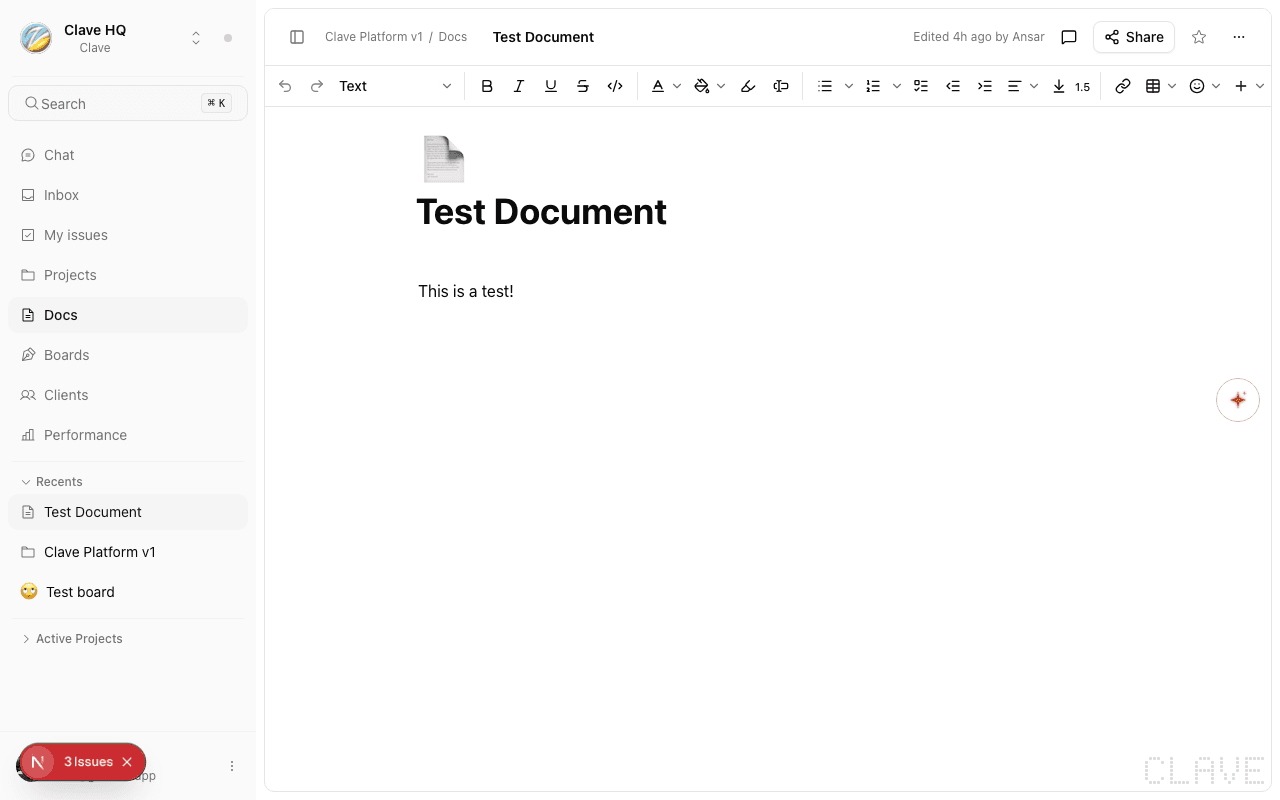
The document header shows who last edited the document and when (e.g., "Edited 3 minutes ago by Sarah"). This updates in real time as edits are made.
How sync works
Clave uses Yjs-based operational transformation under the hood, which means:
- Changes are merged at the character level — there are no "conflicts" that require manual resolution.
- If you lose internet connection briefly, your local changes are queued and synced automatically when reconnection occurs.
- You do not need to manually save — the document saves continuously as you type.
Opening comments
Comments let you leave feedback on specific passages without interrupting the document flow. Click Add comment (below the title, or the comment icon in the header) to open the comments sidebar.
See Comments and Threads for full details.